Post Production World Online 2020
Post Production World Online 2020 notes
Thanks for being patient!
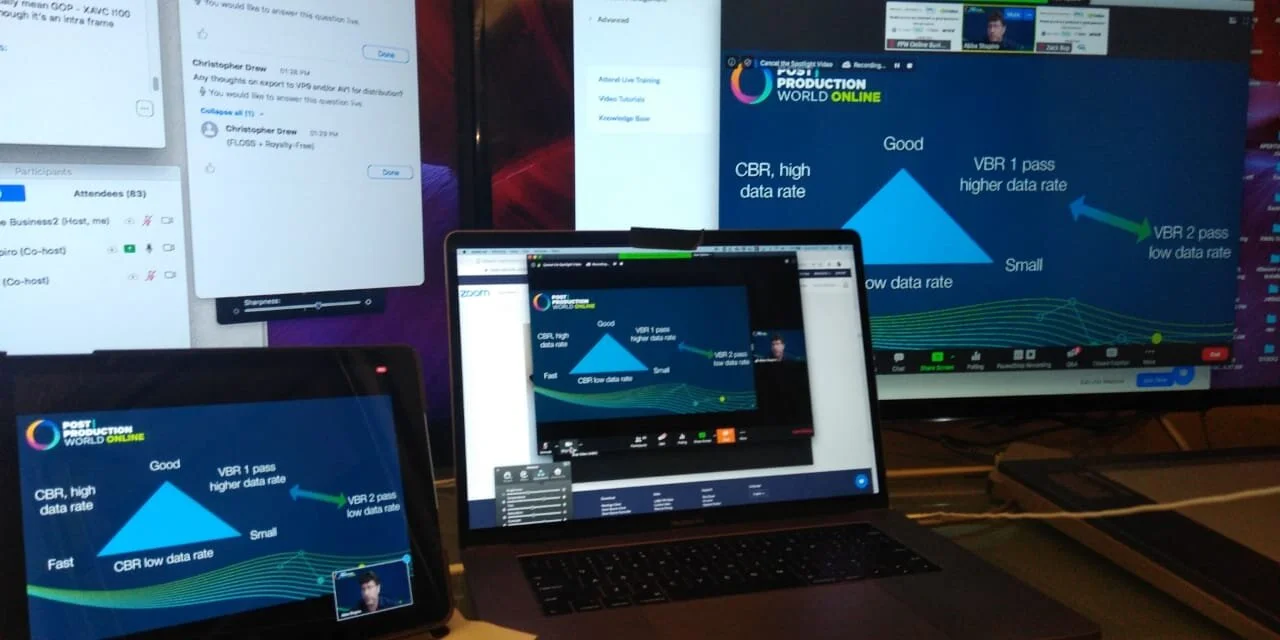
Here’s what you came for - the various notes. And yes, you can email me if you have any questions.
Everything in One Package
If you have any screenshots, email me please!
NAB 2019 notes
NAB is always a marathon. Here’s the roadwork.

Breaking fire code
Once again at NAB, we broke the fire code
NAB 2019 notes
Here’s what you came for - the various notes. And yes, you can email me if you have questions.
Some bonuses
Everything in one package
BMD Roadshow LA
Wow did we get a great turnout for LA!
Some great questions (and a couple I didn’t know the answer to)
Meanwhile, here are the session notes:
Feel free to reach out or if you have any questions!
FCPX Creative Summit 2018
Yup - here are the notes.
Thanks again for attending - I had a blast; possibly the best version of this event that has been done!
P.S. if you have any photos of me teaching, I’d love to have them. Click here and upload!
Thanks for coming to BMD Nashville!
I had a blast! I love Nashville and can’t wait to come back.
Meanwhile, here are the session notes
As always, feel free to reach out with any questions!
NYC PPW Post Production World NYC
Well, if you’re insane, you fly from Adobe Max to teach three sessions at PPW NYC.
At least that’s what my wife said.
Here are the notes
Advanced Video Compression
Always a fun topic - Compression! Notes have lots of extras.
Adobe Premiere Pro Third Party Transitions
I got FIlmImpact.net to give us a discount!
Use GREENBERG20 and get 20% off everything from Film Impact through the month of November!
FCPX Tips and tricks
My favorite part of a tips class isn’t the tips.
Keyboard shortcuts are easy enough to understand.
It’s the “why” behind them.
Why does Shift T shift you to the transform controls, but why is distort Option D - different from the Transform or crop? It’s because the least likely change you’ll make is a distortion - and Apple didn’t want you to do it accidentally!
Adobe Max 2018
Adobe Max is one of the most fun events I speak at every year.
I get to see the Adobe Faithful - those who truly love to create using Adobe’s amazing tools.
Sorry for this self serving moment:
Please take 2 minutes and review my sessions in the Max App.
A good review means Adobe will bring me back.
Know that you can email and ask any question you like.
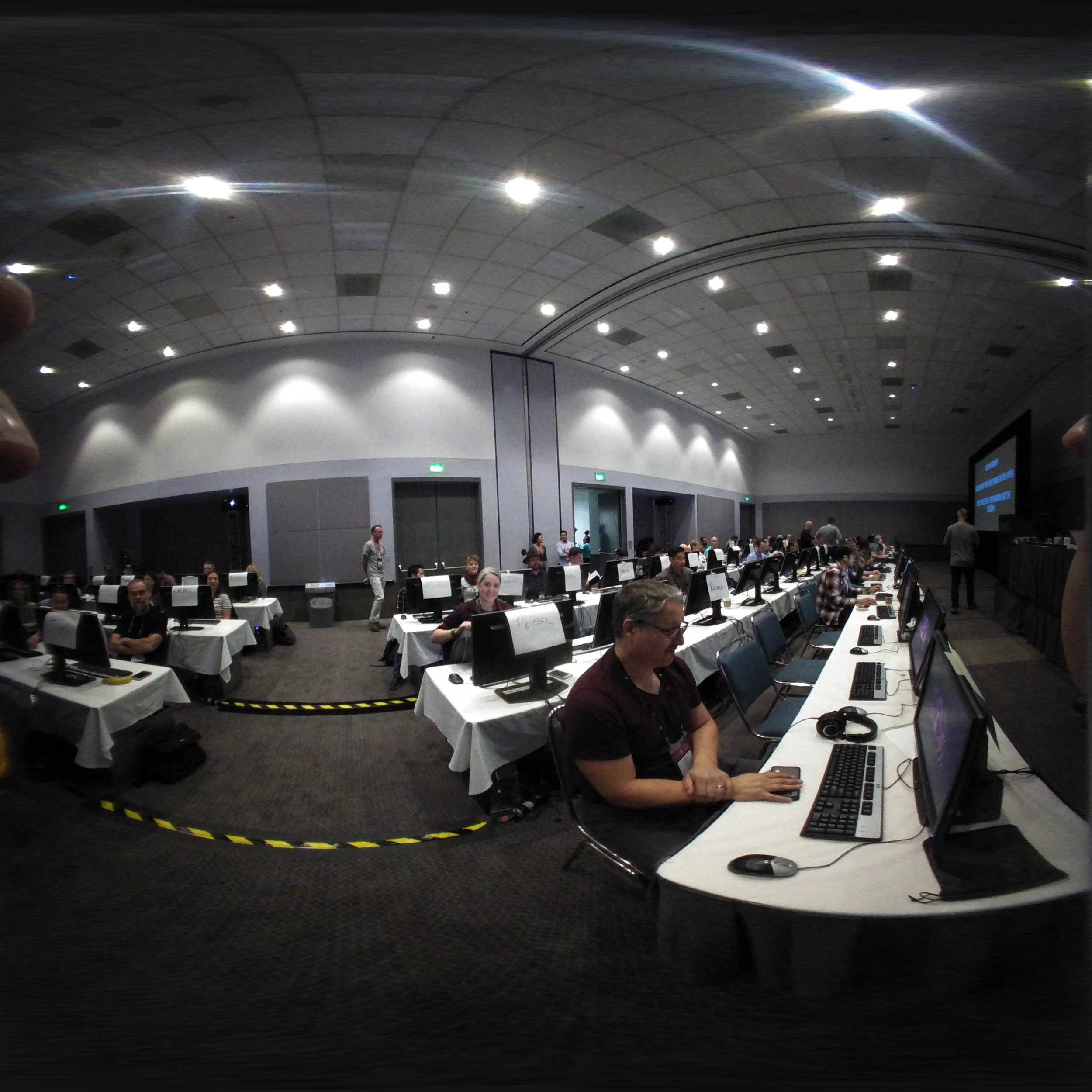
Only Adobe would do a 100 person hands on workshop! (Thanks to the TA’s in a BIG WAY!
Notes for three (four) classes
Adobe Premiere Pro Bootcamp.
Eight documents zipped together to learn/play with Adobe Premiere Pro.
Loads we skipped to keep the class tight and interested.
Now, in a very unusual move…here is the media + project from class. It’s 7.35 GB
You may not distribute them, use them for any commercial use; or anything beyond just self education. No rights have been given to you. In other words, clicking the link means you agree to not violate the IP with this media.
BONUS: Get Digital Anarchy’s Transcriptive at 25% off with the code MAXANARCHY. Good till Oct 29th.
Adobe Premiere Pro Power tips
There are tons of great stuff in there!
Bonus: Here is the “Search Bin Project” that you can load into any of your projects.
Small note for the first group (Monday, J-5 “purple” room.)
For those of you who were in the first section (J Rooms, gorgeous, but terrible sound), know that the sound was killing us.
We had great information and it was difficult to present.
I don’t know if you’re allowed to revise your reviews, but could you judge the speakers not on the audio issues?.
We were the first group to present there. Our scores from the 2nd version of this were fantastic - and while the scores were “good” - know that Abba and I had nothing to do with the choice of Venue.
VR on a Budget.
How do you get into VR for as little as possible? That’s what this session is about.
Now, I’m giving you some 12.6 GB of stitched VR content. Stuff that you can play with, view on cardboard (or other VR headsets) and learn how to play in Premiere.
Footage download link
You may want to build Proxies: Here are the proxies I used. These are custom builds to permit editing on any laptop.
Same as above: You may not distribute them, use them for any commercial use; or anything beyond just self education. No rights have been given to you. In other words, clicking the link means you agree to not violate the IP with this media.

NAB thoughts and notes

Over 150 people in a tips class that I taught!
NAB is a marathon, not a sprint.
Remember, you needed to start reviewing your notes from NAB already . If you do this, in nice little 15 min or so increments, you'll hang on to the knowledge you've gained.
And if you took a photo of me teaching (and it came out okay) - please take a moment and send it to me!
Don't forget the Editors Retreat is coming up in July
I'll put the show notes here, and if you want to continue reading, great.
At the bottom, I'll mention a couple of "freebies" you can get.
Individual Sessions
- Color Bootcamp in Resolve
- Quickstart Editing in Resolve
- Advanced Video Compression
- VR on a Budget
- Premiere collective
- Vr Foundations
- Resolve Collective
- Premiere tips - no notes...but extra
- Avid Collective
- Adobe Premiere Pro Third party Transitions.
- Premiere new features in LumaForge suite
- Make or Break Resolve tips for editors in LumaForge Suite
- All day color correction Premiere from 2017
- All day Resolve CC 2018
All in one Show note packs
Here are zip archives of topic groups - including "Everything". Be aware that the Compression talk is ONLY in the "Everything" pack.
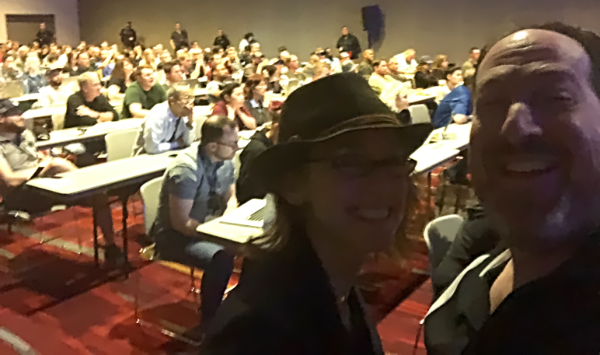
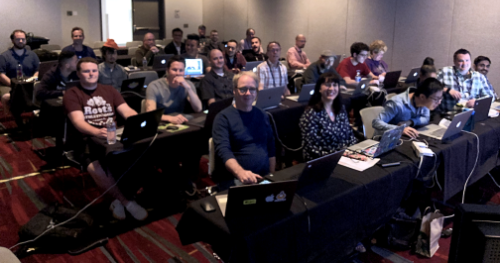
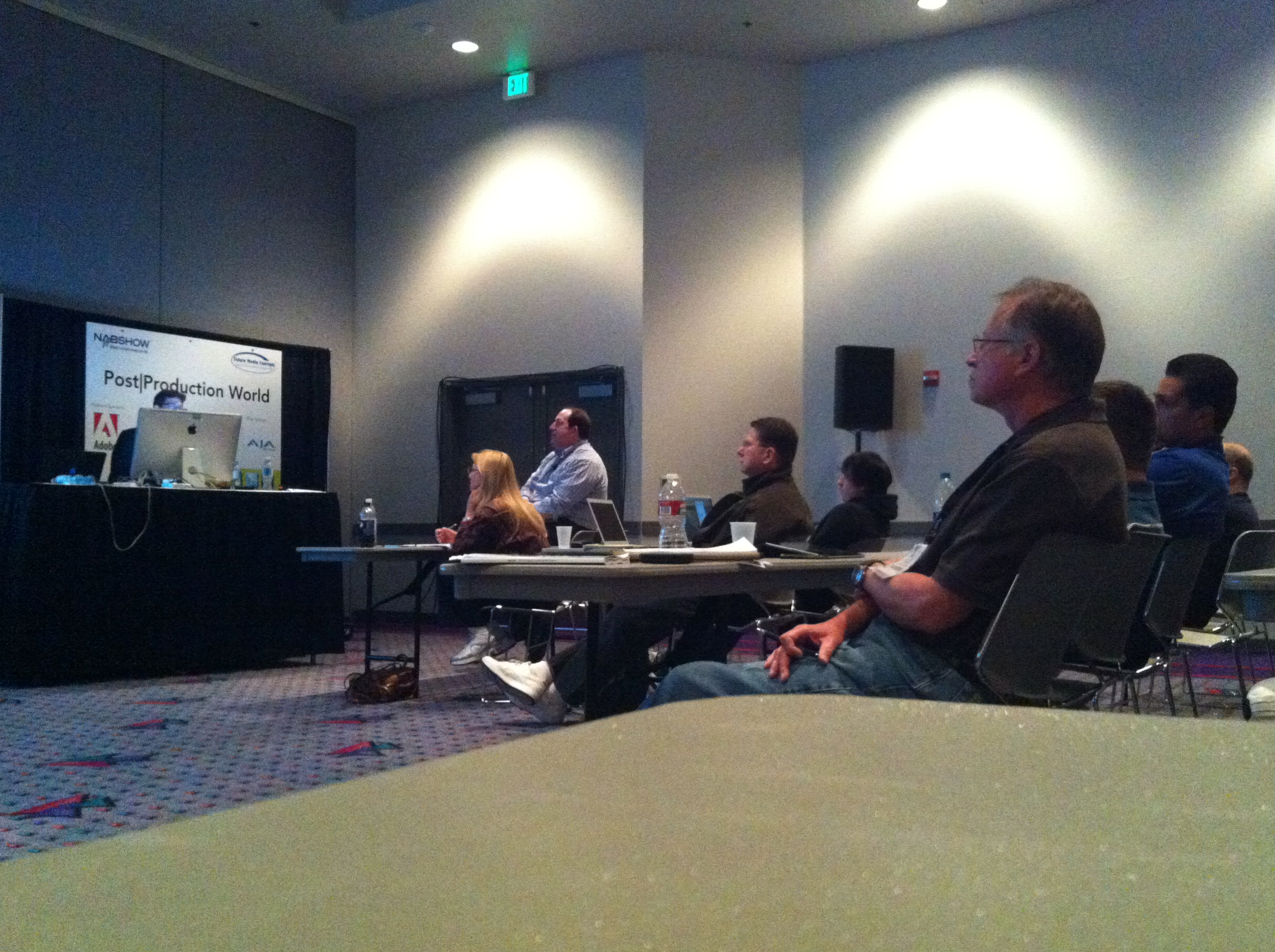
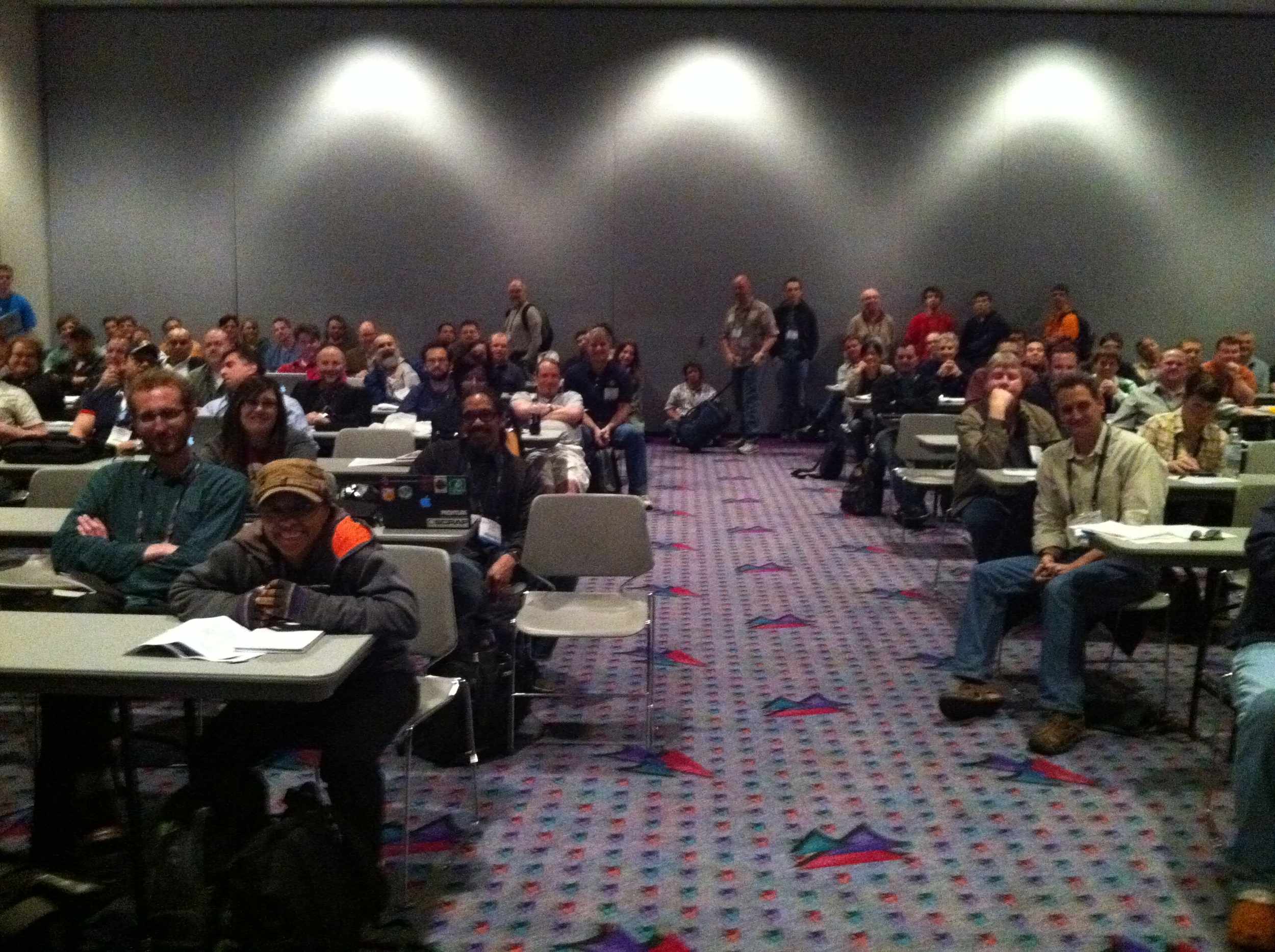
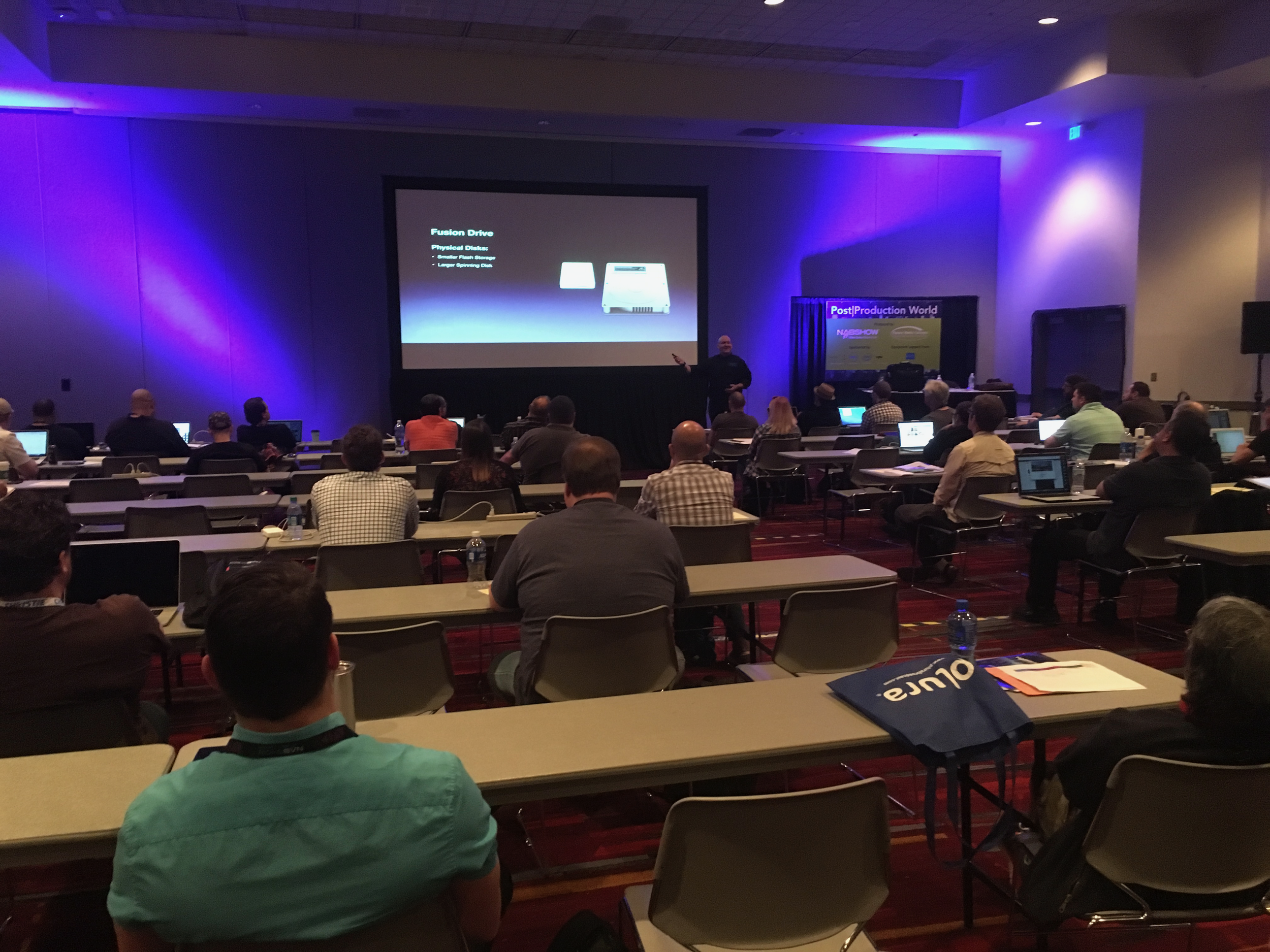
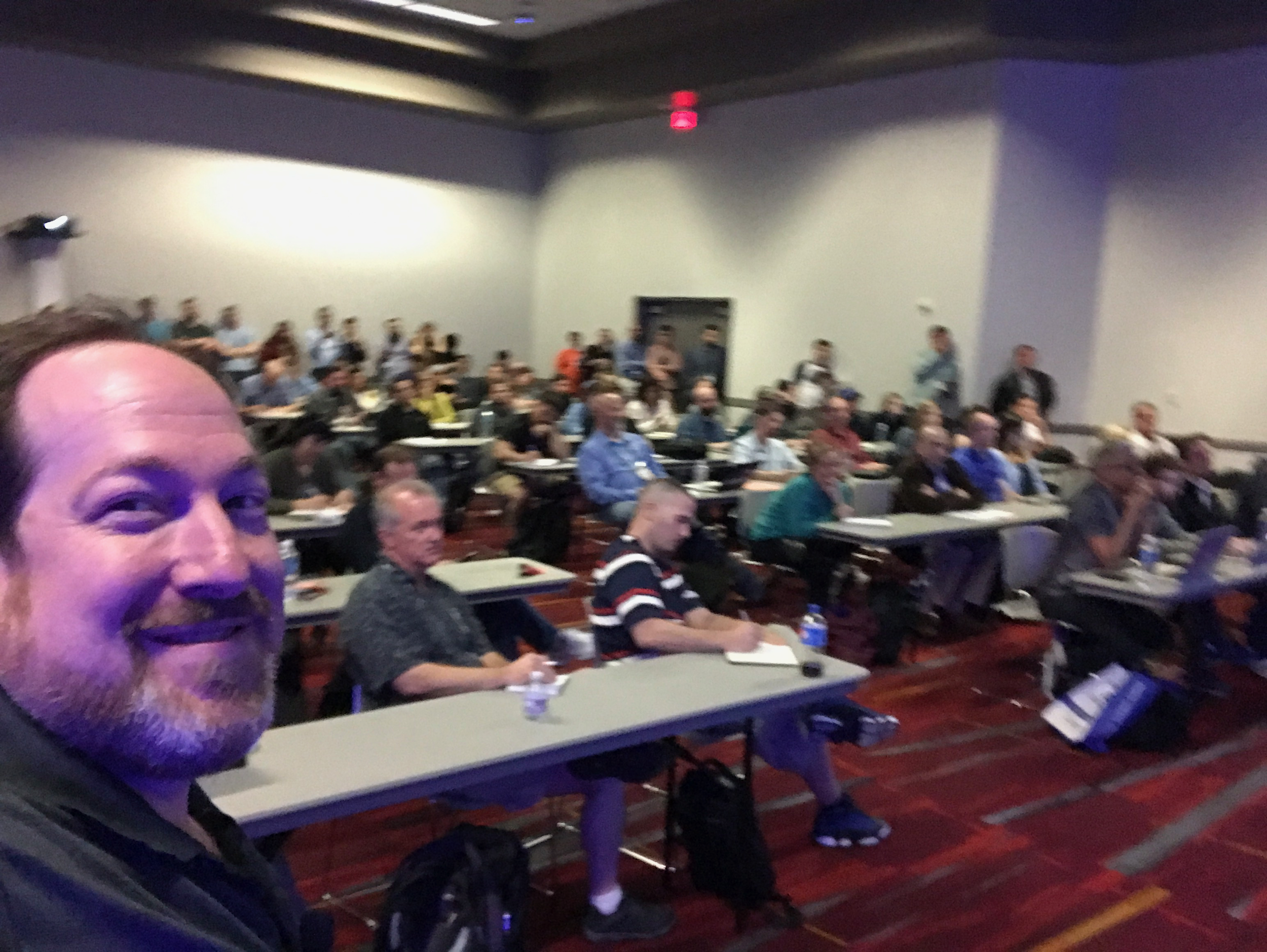
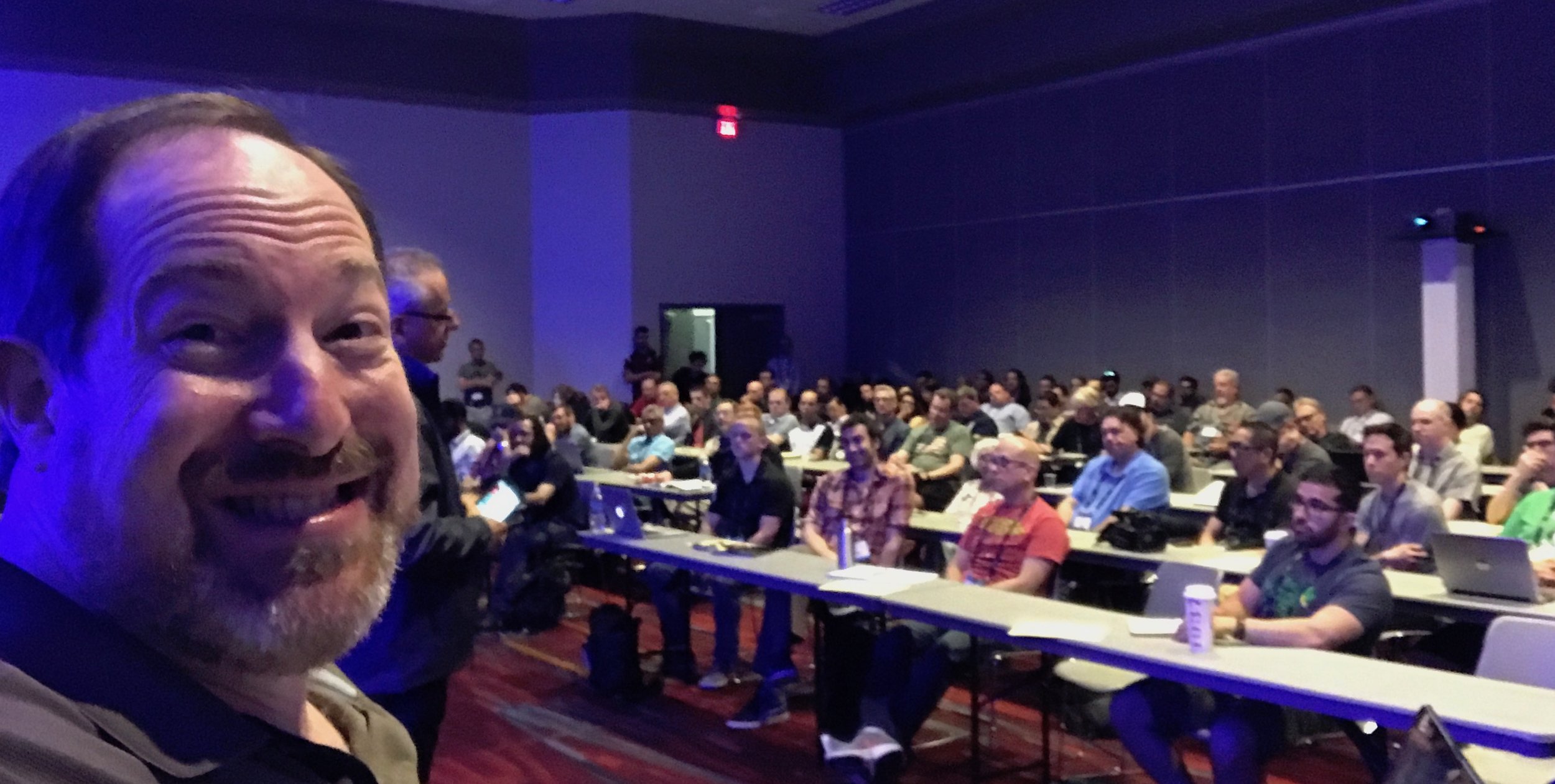
A couple of NAB items to mention
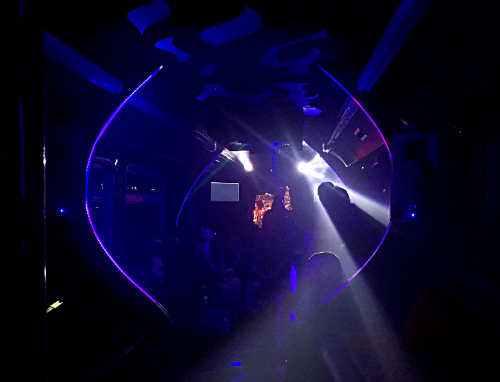
For those of you considering the Editors Retreat - there was an unofficial party. Normally at the Mando (like a man cave - but a condo, where one of the attendees has an office), we took the party on the road in a Disco bus (see the purple laser photo.) Additionally, there is a dinner at Lotus of Siam (best Thai food in the US.) The wild thing about the ER alumni? They make both of these things happen themselves. That's how tight-knit they are.
Each day began with breakfast and "oh shit, what needs to get done" for the sessions that day. I couldn't have made NAB work, without the kind help of people like: Liat Kozuch, Abba Shapiro, Robbie Carman, Bram Desmet, Chris Bobotis, Cheryl Ottenritter, Matt Cielia, Lucas Wilson, Ross Shane, Sam Mestman, Patrick Southern, Eric Philpott, Michelle Gallina, Nick Harauz, and so many others.
Aside from the 9 sessions, 1 all-day event and a hands-on day, I taught two sessions in the LumaForge Faster Together Stage.
You really read this far? Here's some stuff for free!
- Freebie #1 (just for reading this!) A set of Search bins for Adobe Premiere Pro that you can import into any project.
- Freebie #2 Better Proxies Presets for Adobe Premiere Pro that I gave away last year.
- Freebie #3 A set of compression presets I gave away at Adobe Video World
Hope you loved the classes!
DMDC End of year 2017.

End of year conference - Digital Media DC at the Government Video Show in Washington DC.
Three talks, each linked to their (respective) notes
FCPX Creative Summit Notes
The Creative Summit is the other Conference I helm.
The Editors Retreat is my baby - and the Creative Summit is my second child.
I'm still stunned that Apple let us behind their doors and encouraged us to take photos!
They've done an amazing job of bringing FCPX in line with solid color tools and VR tools. As always, this makes things interesting
Here are my notes from my sessions!
Adobe Max 2017

This year at Adobe Max, I gave three different talks.
- Advanced Premiere Pro Tips
- Making Presentations Pop
- Getting Started (with Abba Shapiro)
It's literally the hardest conference to prepare for, because of the range of attendees!
If you enjoyed the talks, please review them in the App - otherwise Adobe won't want to have me back next year.
Click on any title below for the presentation. Extras are in the body
If you want to upload a picture or a file you have a question about. click here
Want everything? Click here: One link everything from Max2017
Advanced Premiere Pro Workflow Tips.
Hope you liked the class. I've also included some Proxy presets. If you don't understand how to use them, feel free to ask. Here are the proxy presets.
If you would like me to build a custom proxy preset for you - i'll do it for free - just ask!
Making Presentations Pop
The key pieces here (aside from the techniques) are the use of h264 for compression. If you want one that supports Alpha channels, you must have QuickTime installed.
Getting Started (with Abba Shapiro)
Abba is always a joy to teach with - and we tried to squeeze so much into this session!
Here is a link to a folder with a preset structure that we use before starting a project.
Adobe Video World 2017 notes and more
These always seem to take longer than I want!
Thanks for coming out (and signing up for my mailing list.)

Nah, just a picture of me teaching
Adobe Video World is a phenomenal conference experience. There is something great about being around others who love/use the same tools you use.
Feel free to reach out if you have questions or you need some level of personalized training. This isn't the only set of tools I teach. :D
I taught six sessions:
- VR Foundations
- Beyond 4k
- Mastering the Timeline
- Mastering the Lumetri Panel & Scopes
- Mastering Three point editing and Trimming
- Compression for the MoGraph Artist
And four for Nick
- Stitching for VR
- Editing in VR - it's part of stitching and VR foundations
- Team Projects - Can't distribute this until Adobe's announcement.
- Proxies in Adobe Premiere Pro.
Oh, you want everything? Sure. Here are all the talks in one group
Bonus: The Better proxies (and there are a TON!)
This is very much Alpha - there are quite a bit and some instructions. I'd LOVE feedback (or if you need a different preset.) Just drop me a note
Bonus 2: Search folders beta project.
Import this into a project and you'll have a bucket of ways of examining your footage.
NAB show notes
Finally!
A day late. Or if you've been waiting a week...well, longer.
Sorry about that. Life and travel and life intrudes.
“Today is your day, your mountain is waiting. So get on your way!”
There's loads of stuff here.
It's okay if it's overwhelming. Yes, you can email me questions about it. Yes. you should review it (and all of your NAB notes) for 5-10 min a day for the next 30 days.
Feel free to download anything here - even if you didn't attend that session.
I'll say it again: yes, you can bug me for the rest of your life. Emails are free. Phone calls cost money.
- Saturday - Boot Camp Compression - 3 hour Boot Camp on Video Compression. Yes, if you want me to give you a preset - just ask!
- Saturday - Cross Train Resolve - If you're an editor and you want to switch to Resolve - this goes over how things setup/compare. Of course, this is for the 12.5 version. The 14 beta is a little different - but very much the same
- Sunday - VR Foundations. Included in this deck are the emails of my guests and Matt Celia's Deck
- Sunday - Closed and Open Captions - this session was canceled, so I haven't developed a deck for it yet. (It was canceled for Apple's Keynote.) But if you have Open/closed caption questions, feel free to send them along!
- Monday - VR stitching. Yes, I've added in all my resources for it.
- Monday - Creativity Collective Adobe Premiere Pro. There were no notes for this - as each presenter organically gave tips.
- Tuesday - Hidden Secrets of Adobe Premiere Pro, along with Abba Shapiro. No notes were given for this - as we wrote it "dueling pianos" style for three hours. If you have a specific question (like, "how did you do x, y or z") feel free to send it my way.
- Tuesday - VR Starter Kit in Lumaforge's Faster Together Stage. This is really talk 7.5. But if you saw any of my VR talks, it has slightly different content. This was a 15 minute talk.
- Tuesday - Creativity Collective FCPX There were no notes for this - as each presenter organically gave tips.
- Wednesday - All day Compression Workshop. Grab the Boot Camp and this link. There are a number of decks here that weren't seen - but are great reference. Yes, if you want a specific preset, just ask.
- Thursday - All day Hands on Color Correction class in Adobe Premiere Pro with Jarle Leirpoll of PremierePro.net. And yes, if you're struggling with a correction, you can send me the stills and I'll do a quick grade.
Sorry again it took so long. But if you look at the above, I think you'll understand why. :D
NAB 2017 - Yes, you're in the right palce
You've found it!
This is the secret area where I keep my session resources. I'll be posting them all here over the next couple of days.
Beta of Search Bins Project
This is the Beta - so feel free to give feedback!.
It should work for Adobe Premiere Pro with any version starting at 2015.3 or later
End of Year in DC
Government Video Expo 2016 - http://bit.ly/GreenbergGovVid2016Notes
District DC Creatives Dec 2016 - http://bit.ly/GreenbergDDC2016
Recent History
- MoPictive 20 in 20 http://bit.ly/20in20MopictiveNov2016
- NY PPW 2016 http://bit.ly/GreenbergNYPPW2016
- FCPX Creative Summit 2016: http://bit.ly/FCPXCS2016notes
- Adobe Video World 2016: http://bit.ly/GreenbergAdobeVideoWorld2016